Pre-alpha. Nothing is released yet.
Your couch. Everyone's controller.
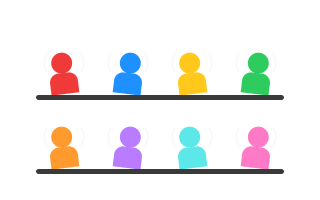
Kouch turns your computer or Steam Deck into a couch console for the emulators you already have — up to 8 players, every one with motion, one controller press to join.
What Kouch never does
- No games, BIOS, firmware or keys — ever. You bring your own.
- No driver required.
- Online features send only what they need. Turn them off and nothing about you goes to Kouch's server.
How it works
Your controllers
Every controller in the room, read through Steam Input, including motion.
Kouch
One hub that keeps every seat straight and never needs a driver to do it.
Your emulators
The emulators you already have, or ones Kouch installs from their own releases, launched with your own games — Kouch never bundles either.
Everyone gets a seat
Eleven things Kouch does today, and what's still on the way.
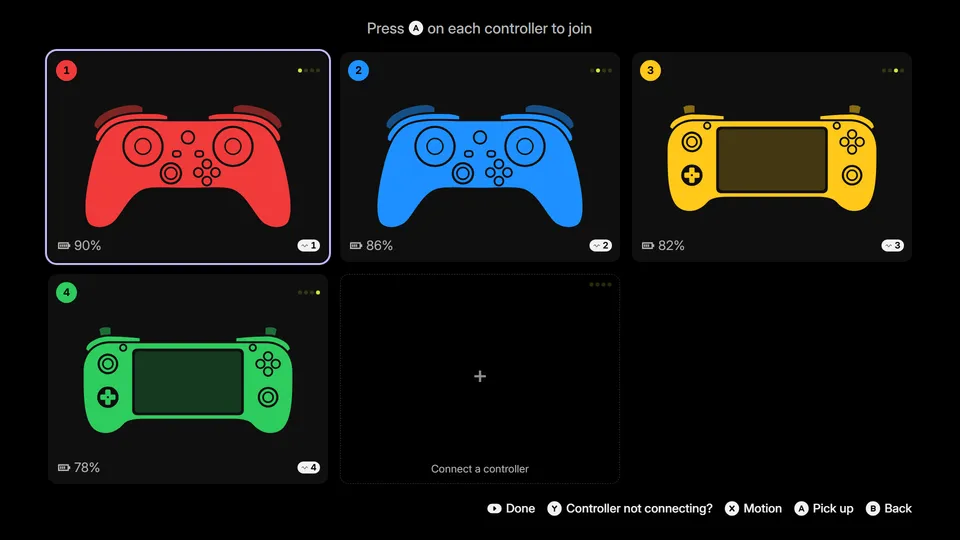
Up to 8 players, one press to join
Everyone on the couch plays at once, every seat motion-ready — no per-emulator controller setup.
Shipped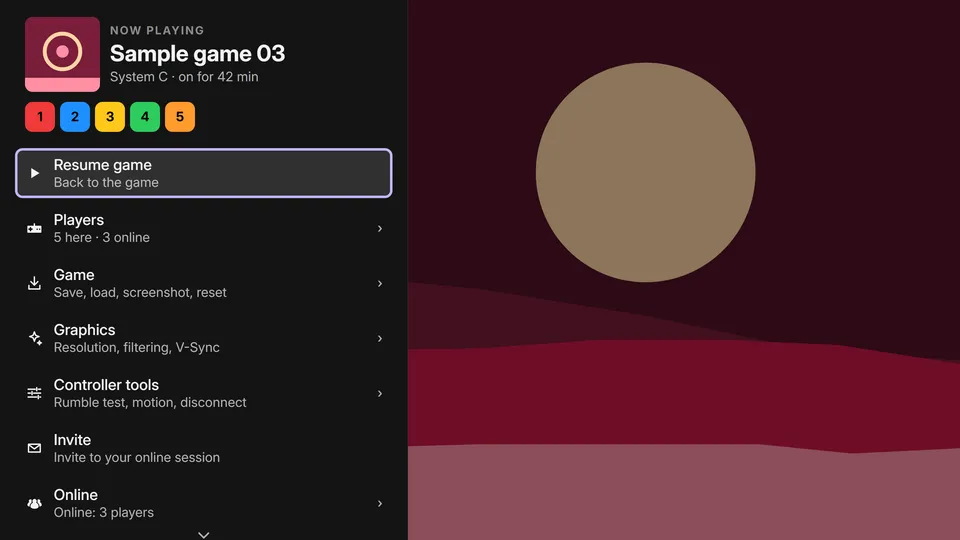
A Quick Menu inside every game
Hold Select + Start to pause, manage players, save state, or quit — without leaving the game.
ShippedEvery seat gets motion
Not just the first controller — all 8 seats can tilt and turn a game that uses it, and a two-second hold recalibrates them.
ShippedPoint at the screen with a controller
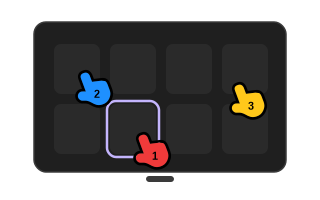
Point at Kouch's screens by moving a controller, or with the right stick or a trackpad, in your own color and number.
Shipped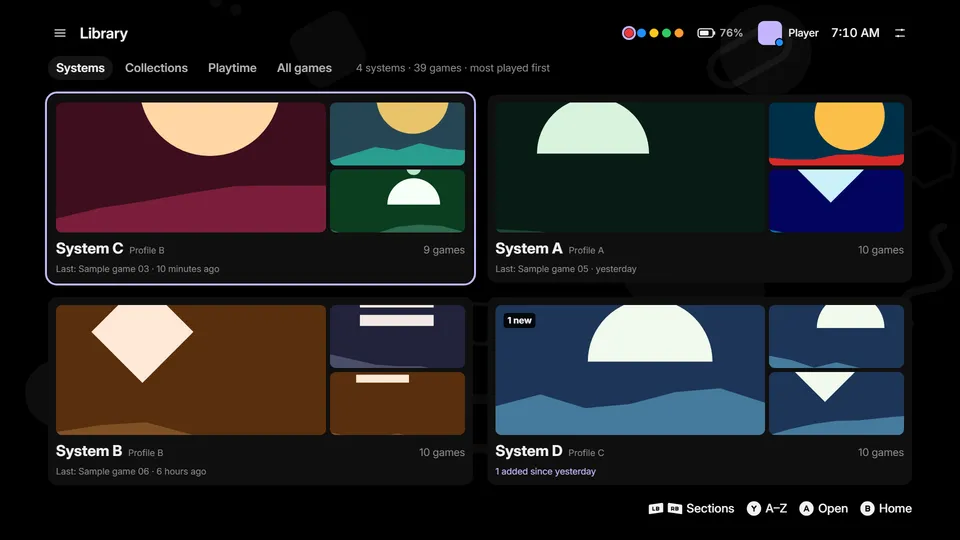
Bring your own emulators
Works with the emulators you already trust, configured the way you like.
ShippedNo driver required
Controllers reach your emulators over a local network protocol they already understand.
ShippedLAN play
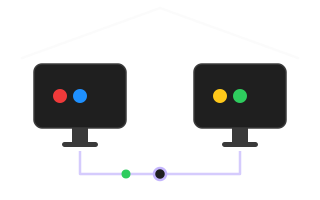
Lend controllers from another Kouch computer in the house — no internet involved.
Shipped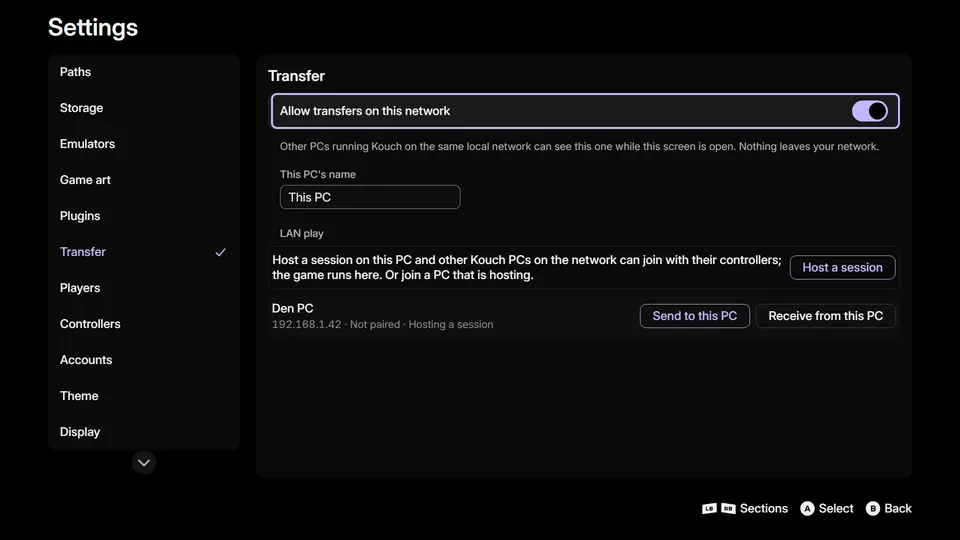
Transfer to another computer
Copy saves, states and settings to another Kouch computer with a one-time pairing code — home network only.
ShippedKeyboard and mouse everywhere
Full parity for navigating Kouch, and the keyboard can join as its own seated player.
Shipped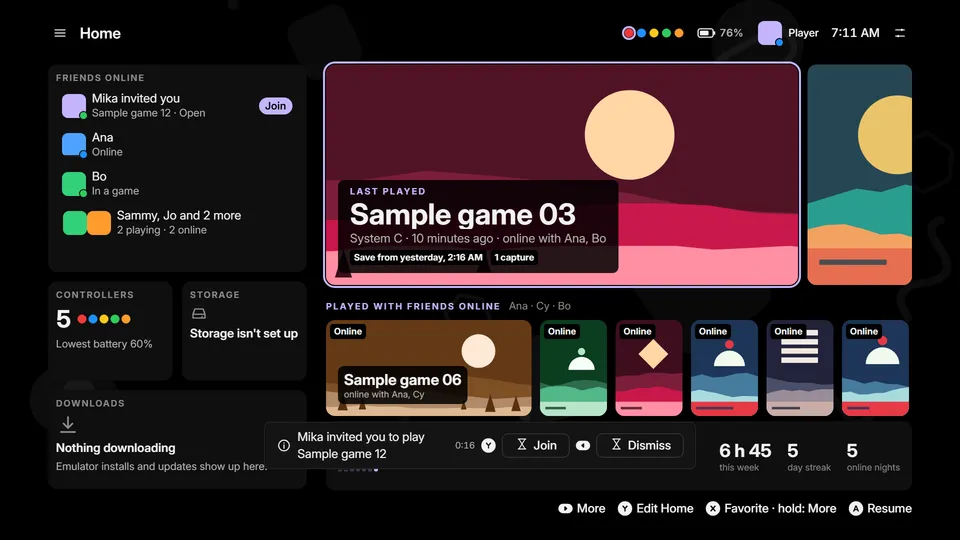
Play online as a party
A party of friends lasts between games: anyone starts one, and everyone with a matching copy joins over Steam — no port forwarding.
Shipped · between testers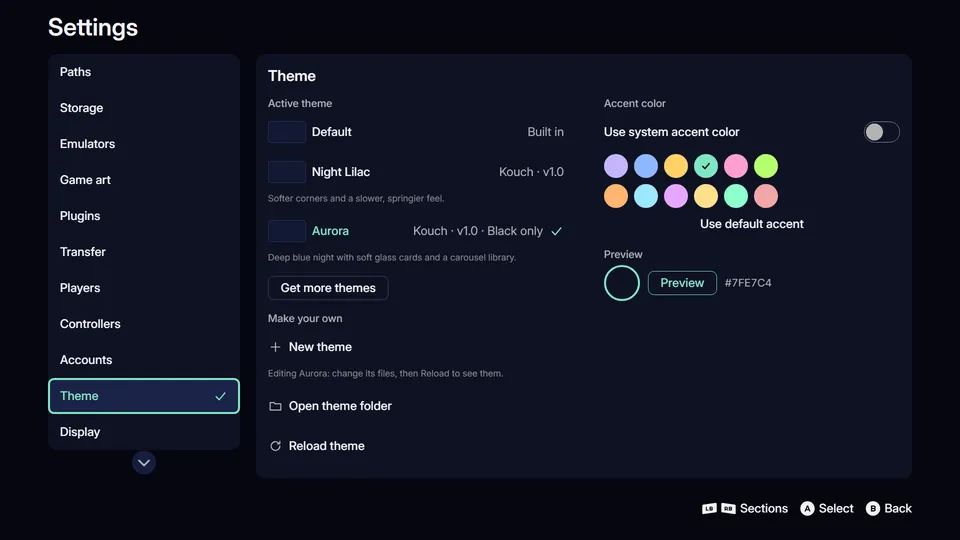
Themes, mods and plugins
Reshape colors, sounds and backgrounds — themes are data-only, plugins are sandboxed.
ShippedWorkshop sharing: coming
Connect a controller
Move the stick: here in your browser it moves your own cursor, in your color and number. In Kouch, a controller with motion points at the screen by turning and tilting it.
Press any button on a controller to join.
- No controller connected yet.
In the app: two players pointing at once.
Runs in Game Mode
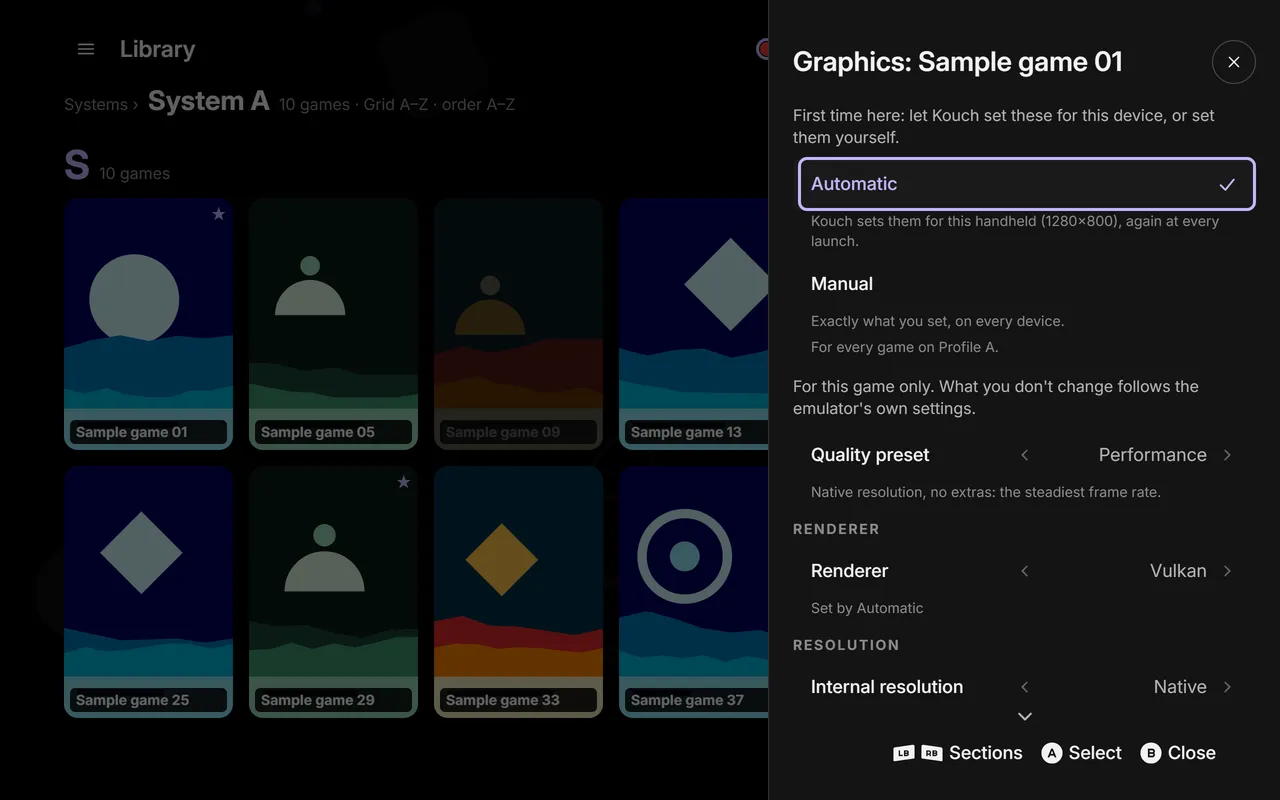
Kouch is newer on the Deck than on Windows — the same Quick Menu, the same seats, a keyboard and mouse as a player, its own controller keyboard for typing, and controllers handed straight to Flatpak emulators.
Automatic graphics reads the handheld and sets each emulator for its screen, again at every launch.
Large libraries can still drop a few frames while we keep tuning it.
Promises
Kouch never downloads, shares, sends or bundles games, BIOS, firmware or keys. Not from the internet, not over your network, not in a .kod file, not through Steam. You bring your own games and your own system files.
Kouch never needs a driver. Controllers reach emulators over a local network protocol they already understand.
Online features send only what they need. Usage and crash reports will be on unless you turn them off, in Setup or Settings › Accounts. Turn online features off and nothing about you goes to Kouch's server. Your Kouch account keeps your Steam id, a short number, a one-way code for each computer it signs in from (so a ban sticks) and only what you choose to share. You can turn it off or delete it any time.
Privacy: exactly what Kouch sends, and what your account keeps
Still coming
Everything here but usage and crash reports waits on Kouch's own Steam app id.
- Steam WorkshopComing
- Steam Cloud savesComing
- Remote Play TogetherComing
- Rich presenceComing
- Steam's own “Join game” buttonComing
- Usage and crash reportsComing
Crashes, speed per screen, system specs and features used, to fix bugs and tune settings. On unless you turn them off, in Setup or Settings › Accounts; never game titles, names or ids.